Updated 2026-11-11
State Connect beginner guide
The short version. Start by redeeming the free codes, then work through this.
1. Connect cities and let the cars work
Drag a road between two cities. Every car that arrives earns Money and XP, so your first job is building a useful network rather than decorating the map. Buy states to widen that network, then upgrade towns into metropolises and improve your cars. The official badge track starts at 10 roads, so that is a good first target.
2. Take the free boosts before a long session
Redeem EUROPE, AUTOBUILD, SOUTH AMERICA and WELCOME through the Shop icon for Gems and Coins. Joining the WE Interactive Roblox group also gives 15 minutes of 2x XP daily, according to the developer. The codes and group boost are free; check the codes page before buying currency.
3. Buy states, then use keys for countries
States widen your road network. Whole countries unlock with keys, so a new region is a different spending decision from another city connection. In Update 3's Europe menu, the developer says you can pick a free starting country. Check that World menu before spending keys on your first European unlock.
4. Use Update 3's Europe expansion
Update 3 adds Europe and Greenland: the official description lists 41 new countries, 254 states and 664 cities. It also adds Auto Upgrade and admin-abuse events with up to x3 rainbow cars, Gem Rain and up to x5 Money or XP. Event multipliers are temporary; do not mistake an event screen for your normal income rate.
5. Upgrade towns and compare Workshop cars
Upgrading towns turns them into metropolises, while better cars improve each delivery. Update 3's official Workshop notes name Ruby cars with a +200% bonus and Galaxy cars with +400%. Those are the developer's published bonuses, not prices or unlock instructions. Compare the live Workshop cost and your current car before spending.
6. Follow the badge roadmap
Road badges mark 10, 100, 500, 1,000, 2,500, 5,000 and 10,000 roads. Level badges mark 10, 25, 50, 100, 250, 500 and 1,000. Country badges include unlocking Mexico and Canada, finishing the USA, and finishing Central and South America. The badges page has every official goal and its lifetime award count.
7. Bring friends for co-op and XP
The developer gives +10% XP per friend in your server, and the game supports up to six players per server. There is also a Helping Hand badge for helping a friend in co-op. Daily rewards, gifts and offline income add other free progression routes; Roblox Plus has its own +10% Money benefit if you already subscribe.
8. Compare automation before buying it
Permanent Auto Build cost 299 Robux and permanent Auto Upgrade cost 249 Robux in the November 11 store snapshot. The permanent Auto Bundle includes both for 399 Robux, 149 less than buying the two separately at those prices. Temporary versions also exist. Automation is optional, so try the basic road loop first and check live prices before buying.
What nobody has published yet
- The exact Gem and Coin amount for each code is not published by the three current code sources; only the two reward types agree.
- The official public page does not list every state price, country key cost or city upgrade cost. Use the live game UI for those numbers.
- Several gamepasses, including VIP and Extra Cars, have no public store description. Their exact limits and whether every money multiplier stacks stay unconfirmed.
- The developer publishes the Ruby and Galaxy Workshop bonuses, but not their current unlock costs on the public Roblox page.
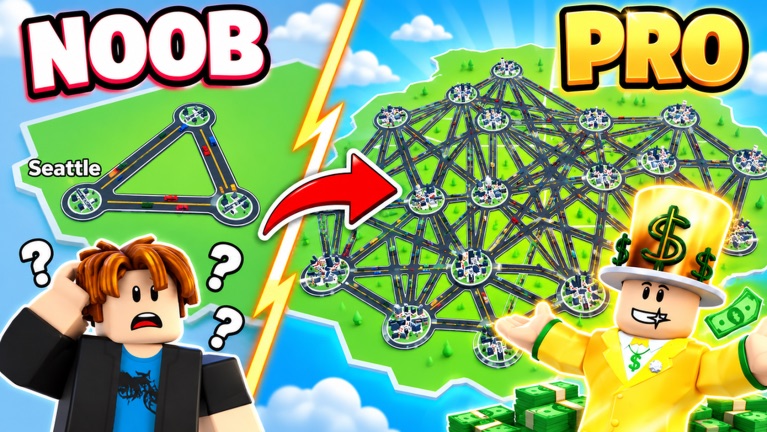
Official State Connect artwork.